Details
-
Type:
Bug
-
Status: Closed
-
Priority:
 Minor
Minor
-
Resolution: Fixed
-
Affects Version/s: V1.1100.1.6854, V1.1110.1.6910, V1.1120.1.6931
-
Fix Version/s: V1.1130.1.6950
-
Labels:None
Description
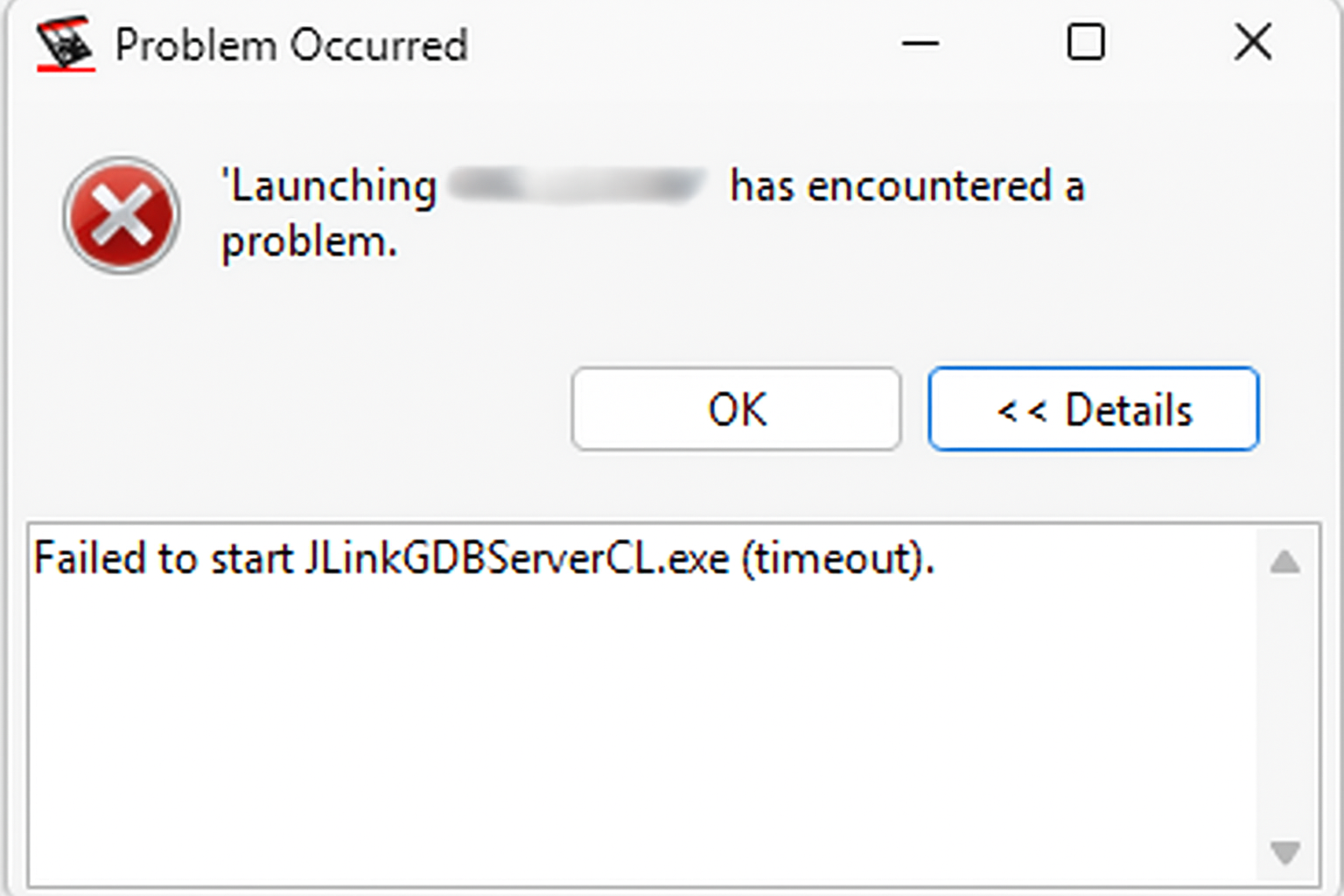
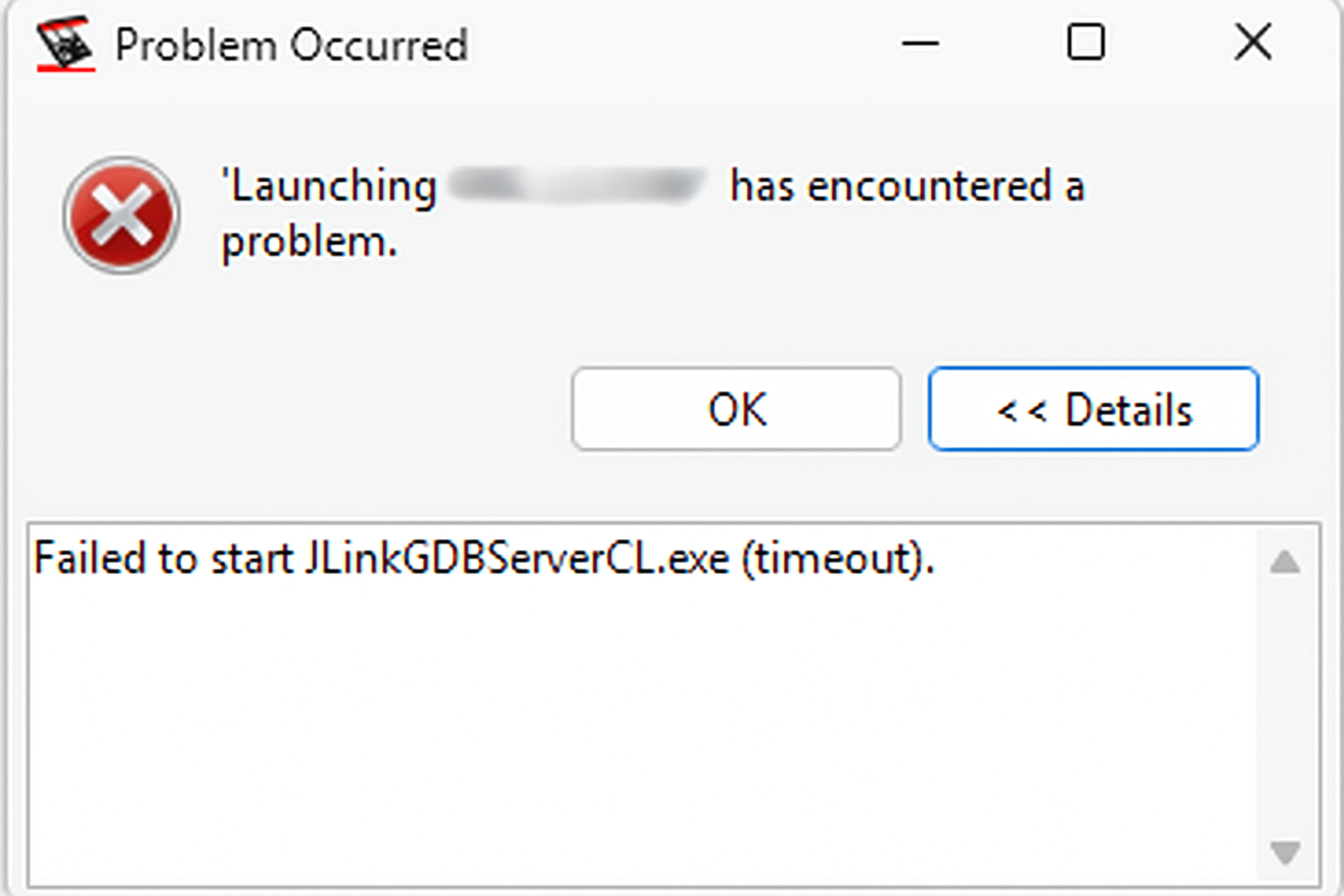
In certain cases, starting a debug session with a J-Link probe in netX Studio CDT may result in a timeout.
Workaround:
- Ensure you are using the latest version of the netX Studio CDT (V1.1120.1.6931)
- Navigate to the installation directory:
- For the installed version:
C:\Program Files (x86)\Hilscher GmbH\netX Studio CDT - For the portable version:
the directory where you extracted the IDE.
- For the installed version:
- Download and replace the provided plugin
.jarfile:- Copy the attached
.jarfile into thepluginsfolder. - When prompted, confirm the replacement of the existing file.
- Copy the attached
- Restart netX Studio CDT and try launching the debug session again using the J-Link probe.
This issue will be resolved in the next official release.